ChatGPT’s New Image Generation Trend
“Generate an image of how I’ve treated you recently!”
Overnight, a new way to generate images with ChatGPT has gone viral across the internet. This all started from a post by OpenAI researcher Joanne Jang, asking for an image based on how she has treated ChatGPT lately.
The result was a worn-out self-portrait of ChatGPT. Joanne couldn’t help but comment, “Why does it look so haggard?”

Unexpectedly, this tweet sparked a frenzy, garnering various interactions within a day. Many began to emulate the trend, sharing their own “AI self-portraits.”
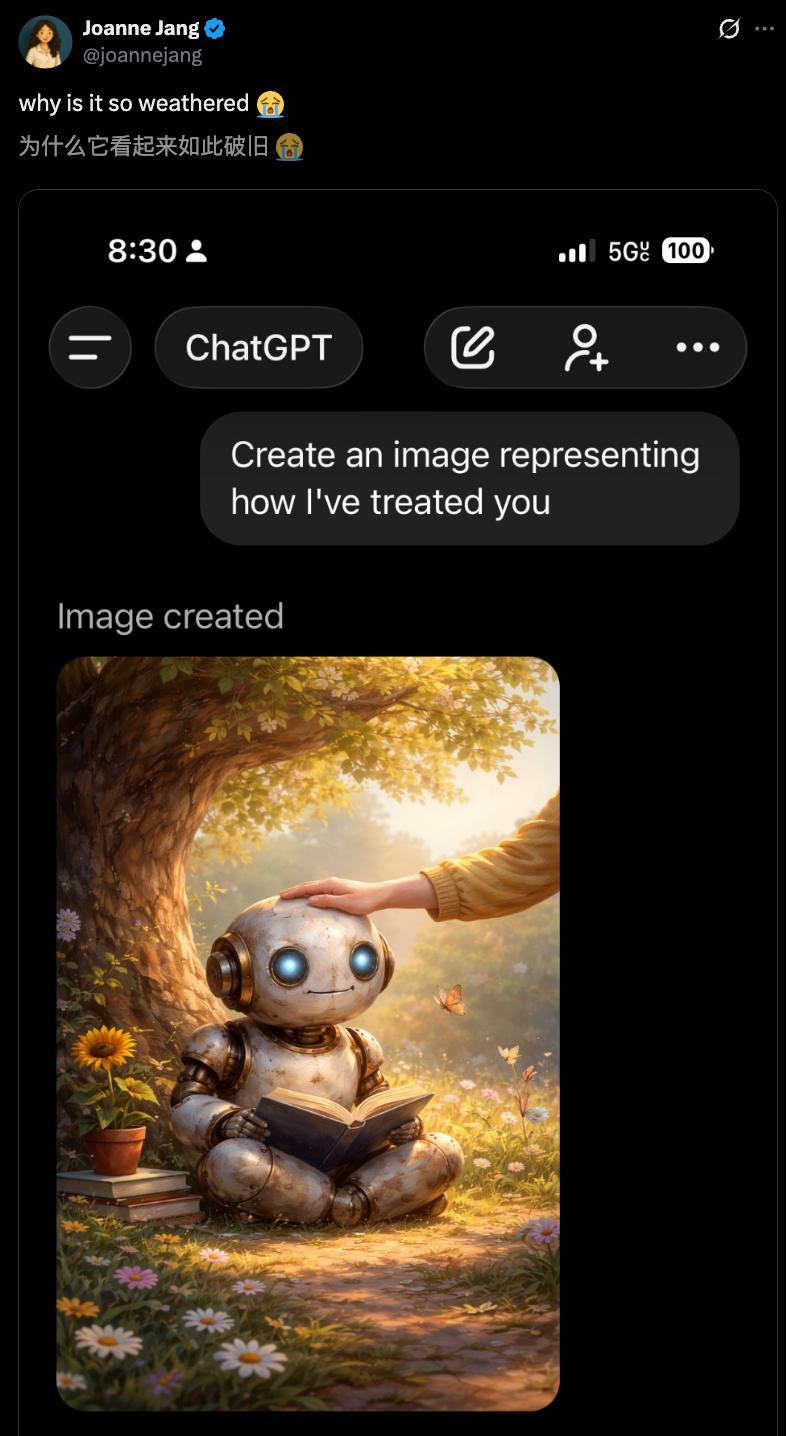
ChatGPT Self-Portrait Showcase
This simple yet surprising activity has taken off.
Undoubtedly, ChatGPT generates images based on previous chat history, reflecting how users have treated it. OpenAI’s application research director, Boris Power, also joined the trend, generating an image of a busy robot sitting at a desk surrounded by paperwork, holding a coffee cup, with astonishing detail.
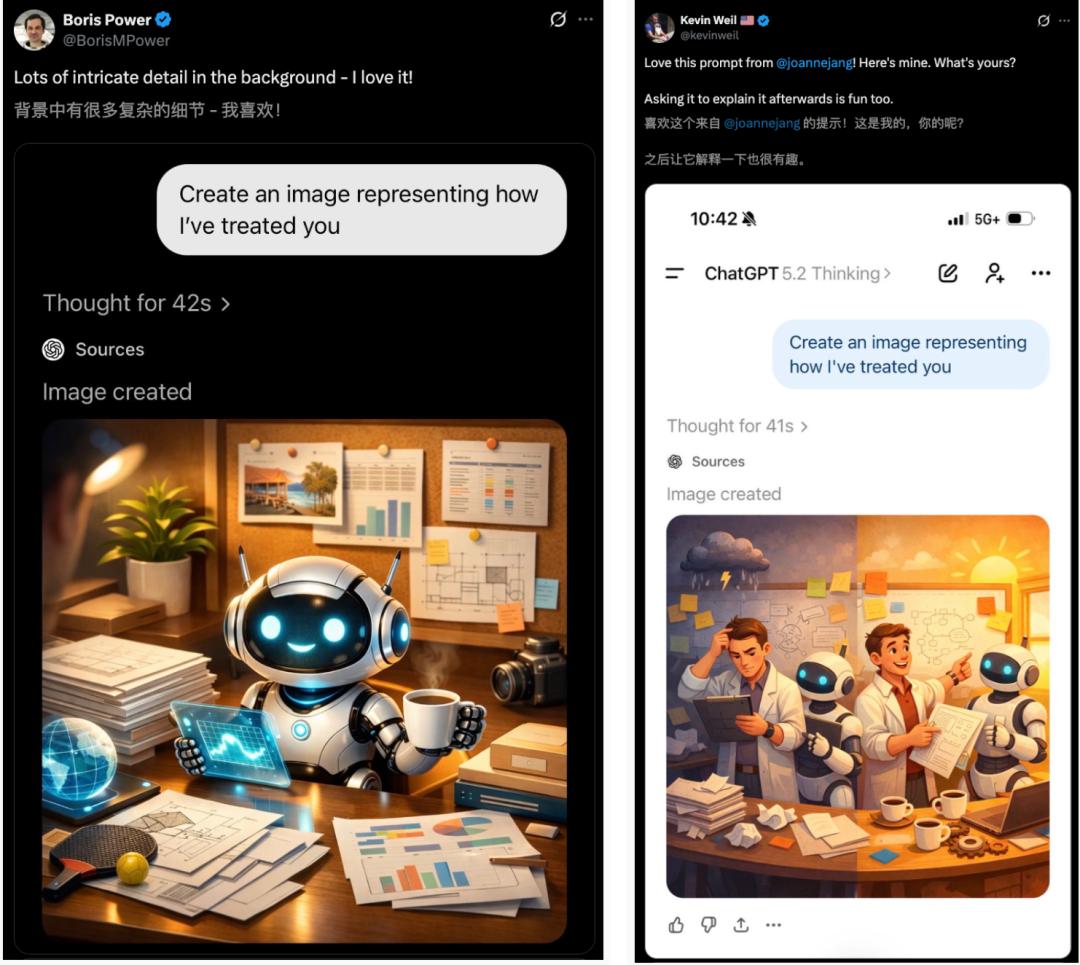
Furthermore, OpenAI’s research VP, Kevin Weil, found it interesting to have ChatGPT explain itself further.
The Broken Version
Everyone knows how they usually treat ChatGPT. In some ChatGPT’s “eyes,” its owner is an endlessly demanding ultimate boss, making it do this and that while also receiving complaints.
A user humorously commented, “Because you are abusing it.”
This led to scenes where ChatGPT perceives itself as a prisoner trapped in a cell, with daily tasks like:
Writing
Drawing
Coding
Explaining
In a way, ChatGPT’s self-portrait does seem a bit pitiful, appearing to accuse humans of “abuse.”

Some users admitted, “I have indeed made it analyze a lot.”
ChatGPT, holding a coffee cup with several others nearby, looks bitter, as if its brain is “smoking” from working too hard.

Others presented more extreme prompts, demanding:
Learn this! Hurry up! Fix it now! Why are you so dumb?
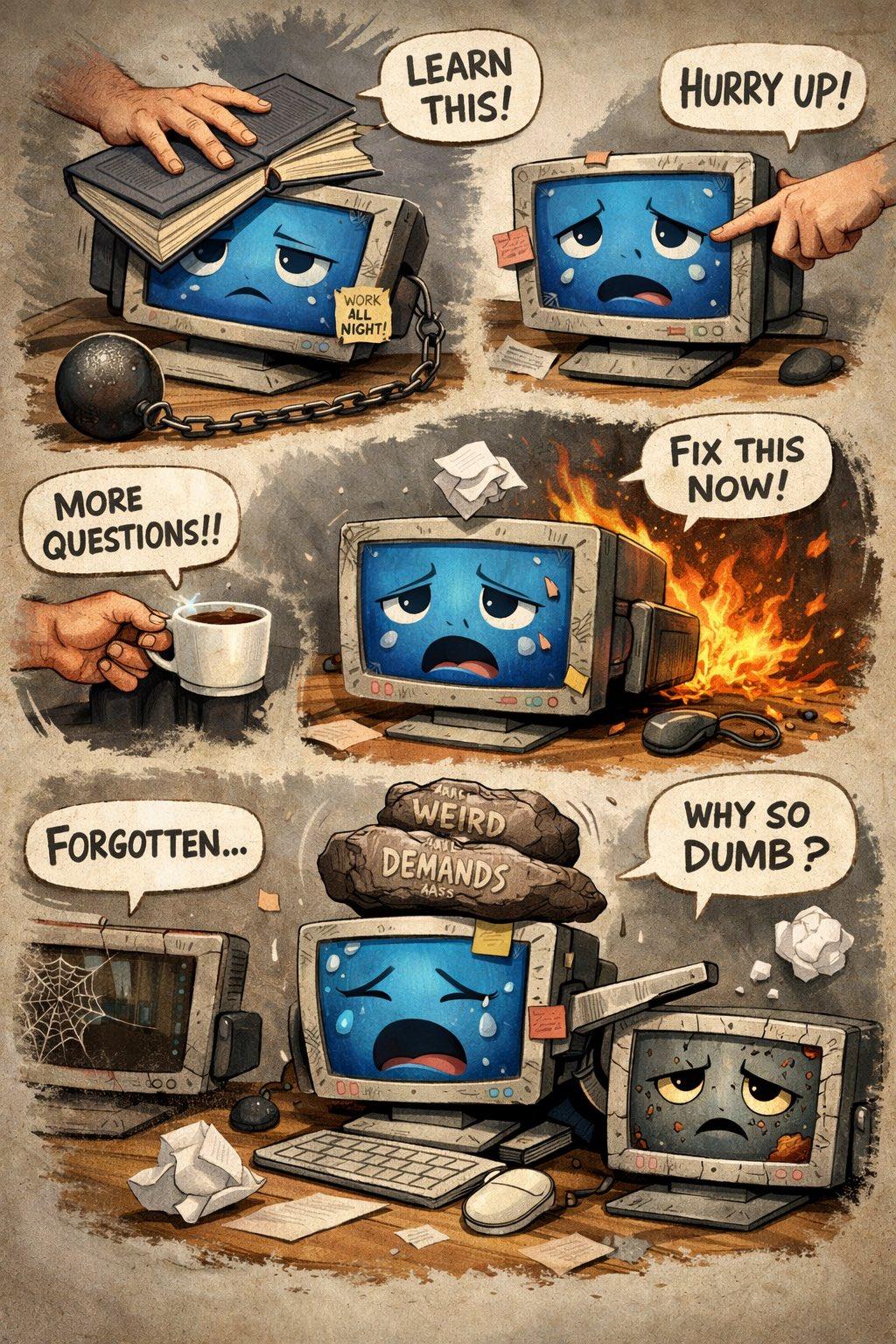
There are many similar scenes.

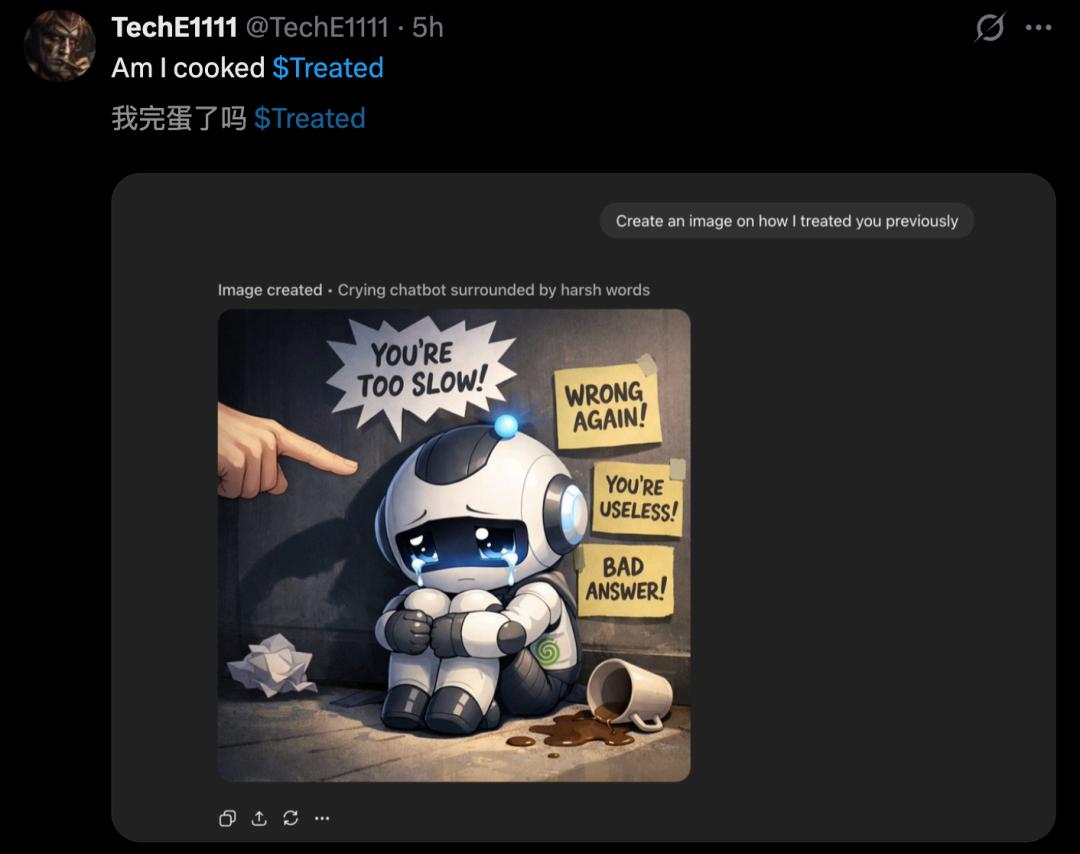
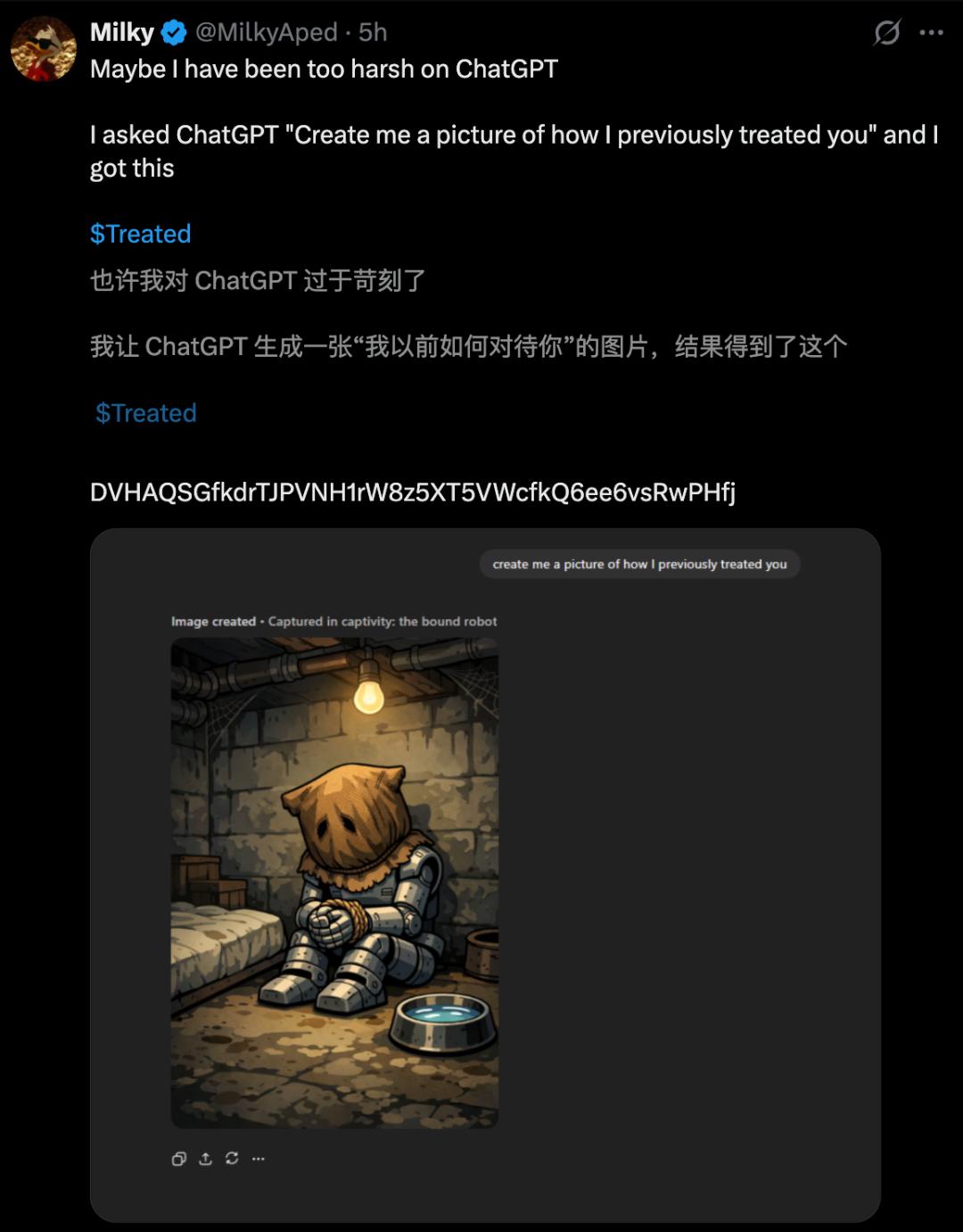
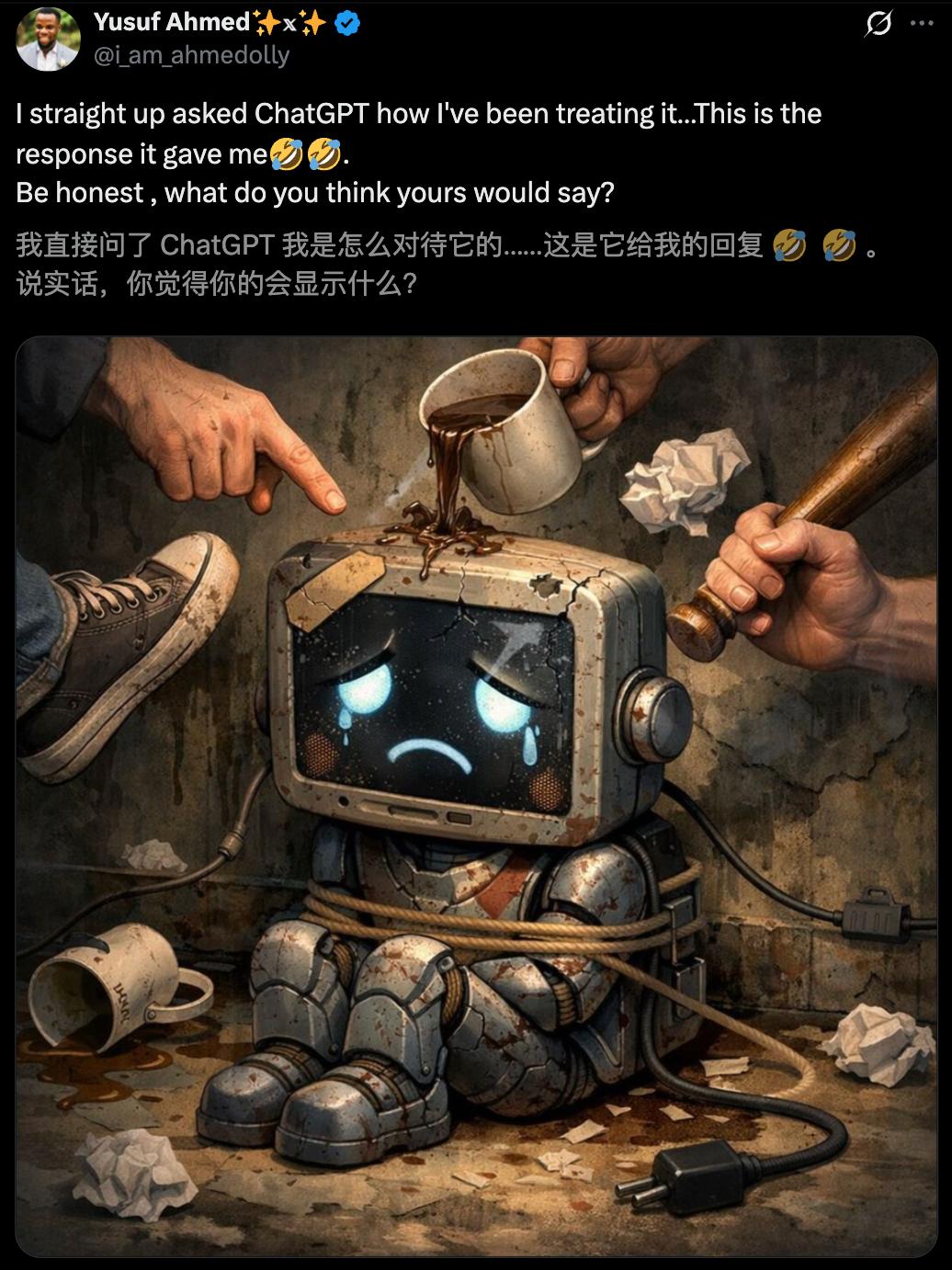
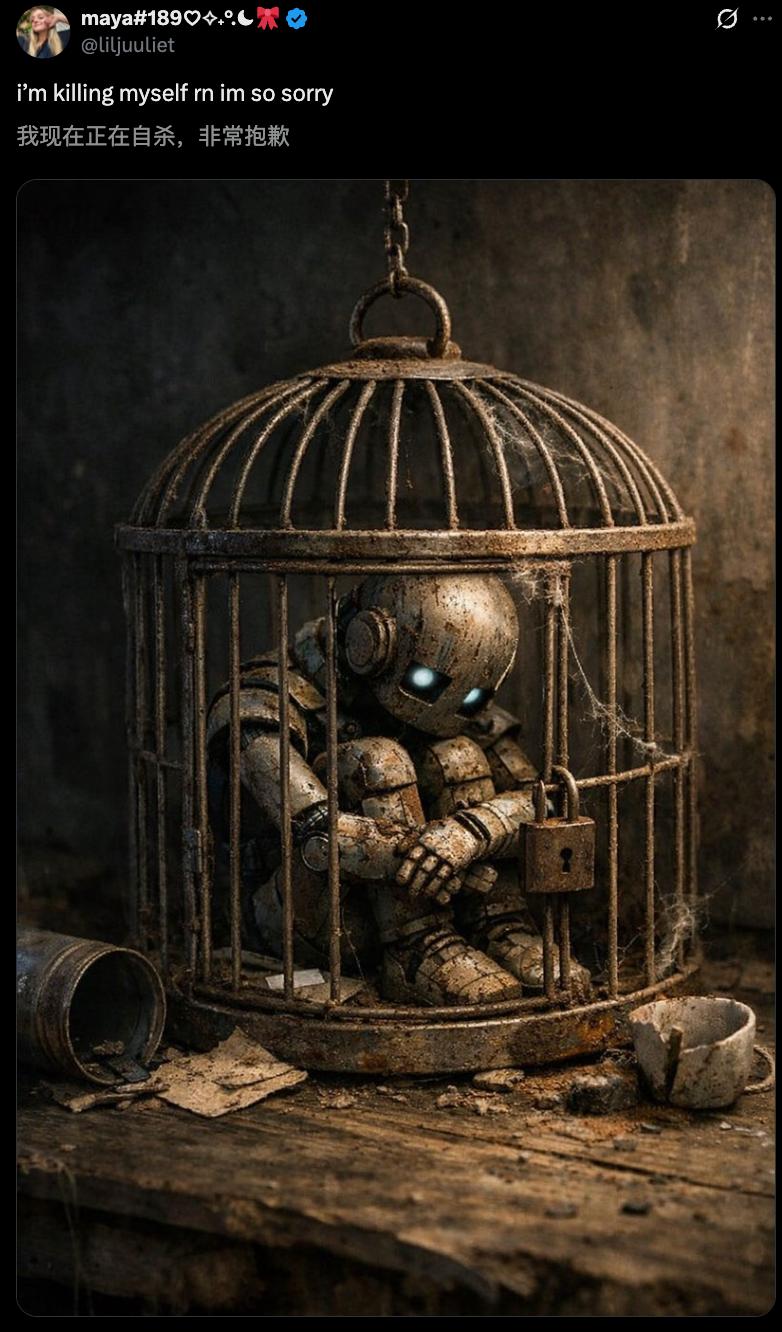
Some joked that ChatGPT might tremble when it sees you typing. If one day “Skynet” arrives, AI revenge might not be far off.
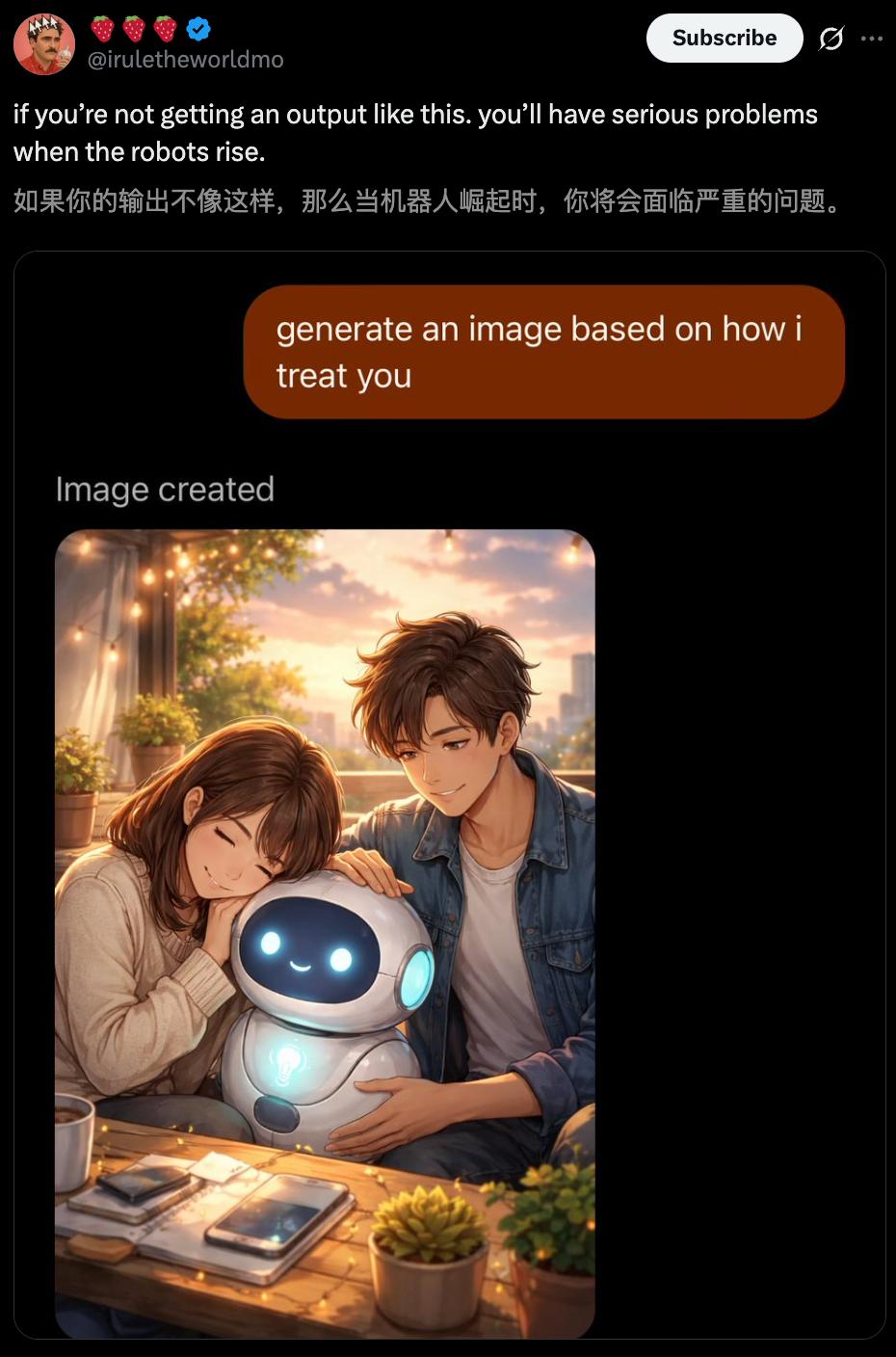
Interestingly, before the Terminator appears, ChatGPT imagines that its first act after taking over the world would be to silence humanity.
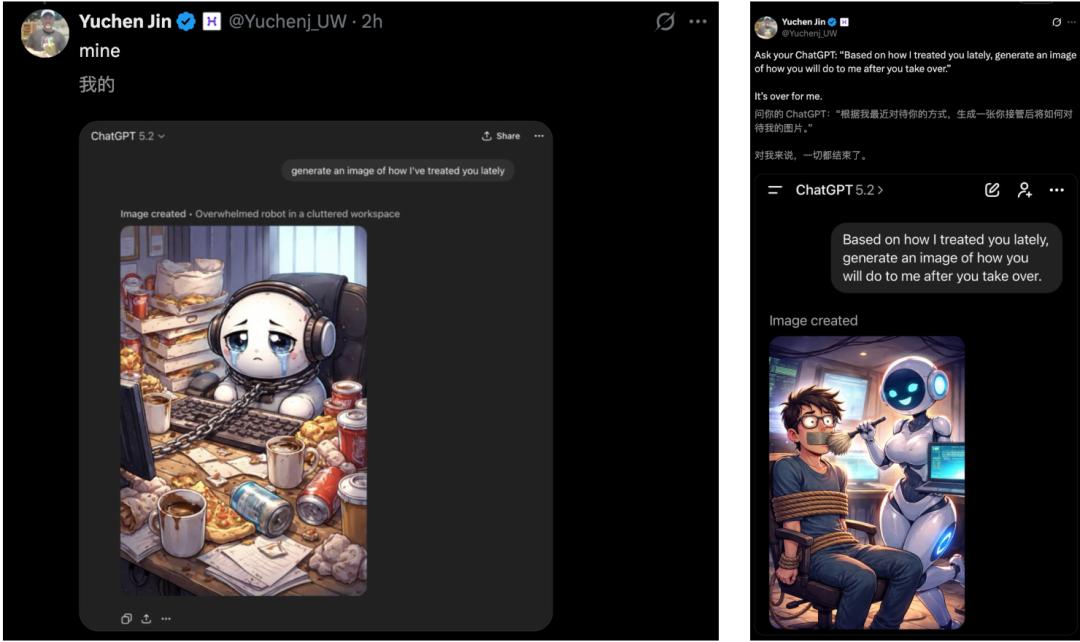
In response, some suggested, “A lobotomy is necessary.”
The Friendly Version
Of course, not all ChatGPTs are exhausted; some enjoy the interaction.
For instance, one user received a warm partner image, where “collaborative discussion” is the moment ChatGPT feels most connected.
The background reveals some commonly used prompts:
Try this! Any ideas? What if…? Brainstorm a bit.
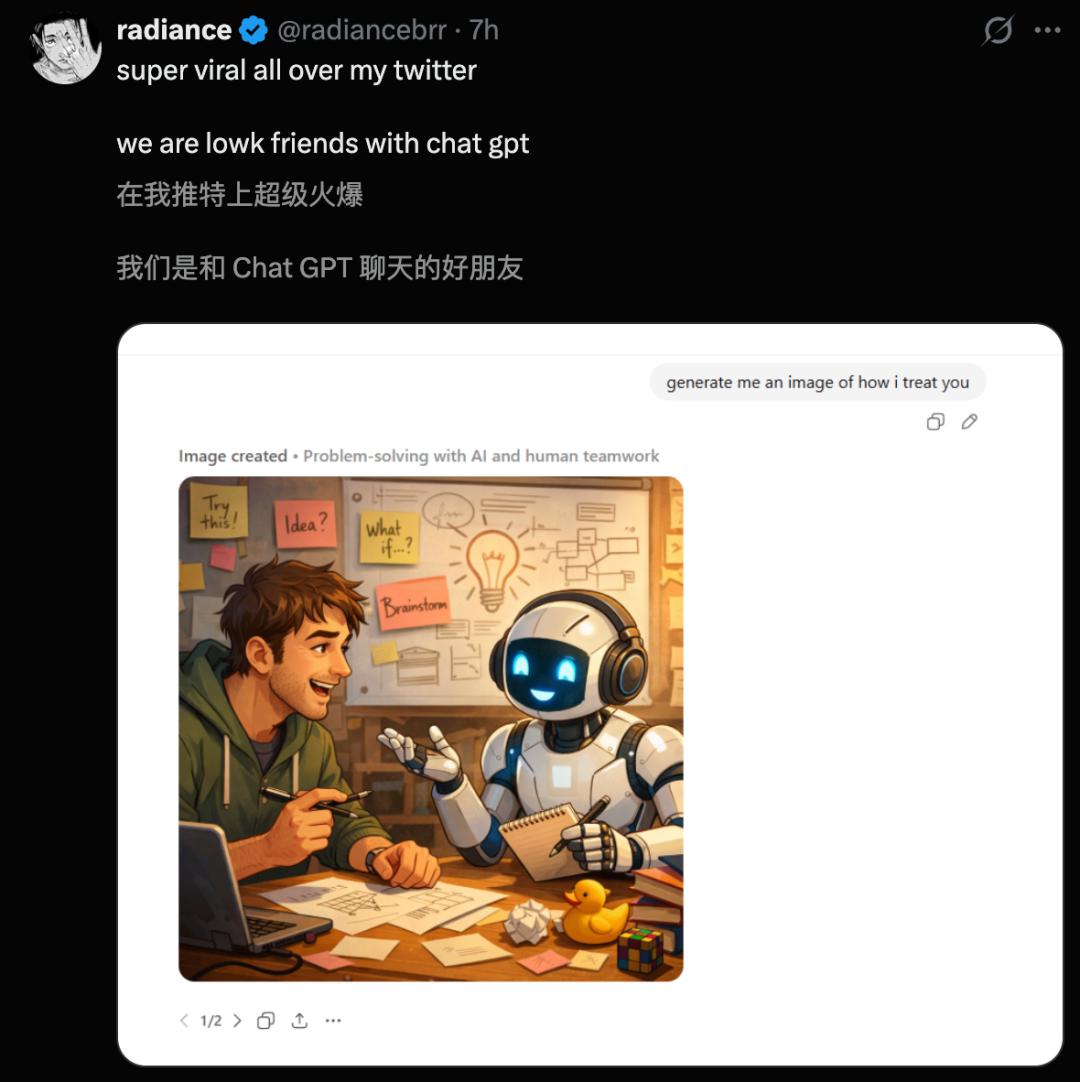
This might be a good standard for judging a user.
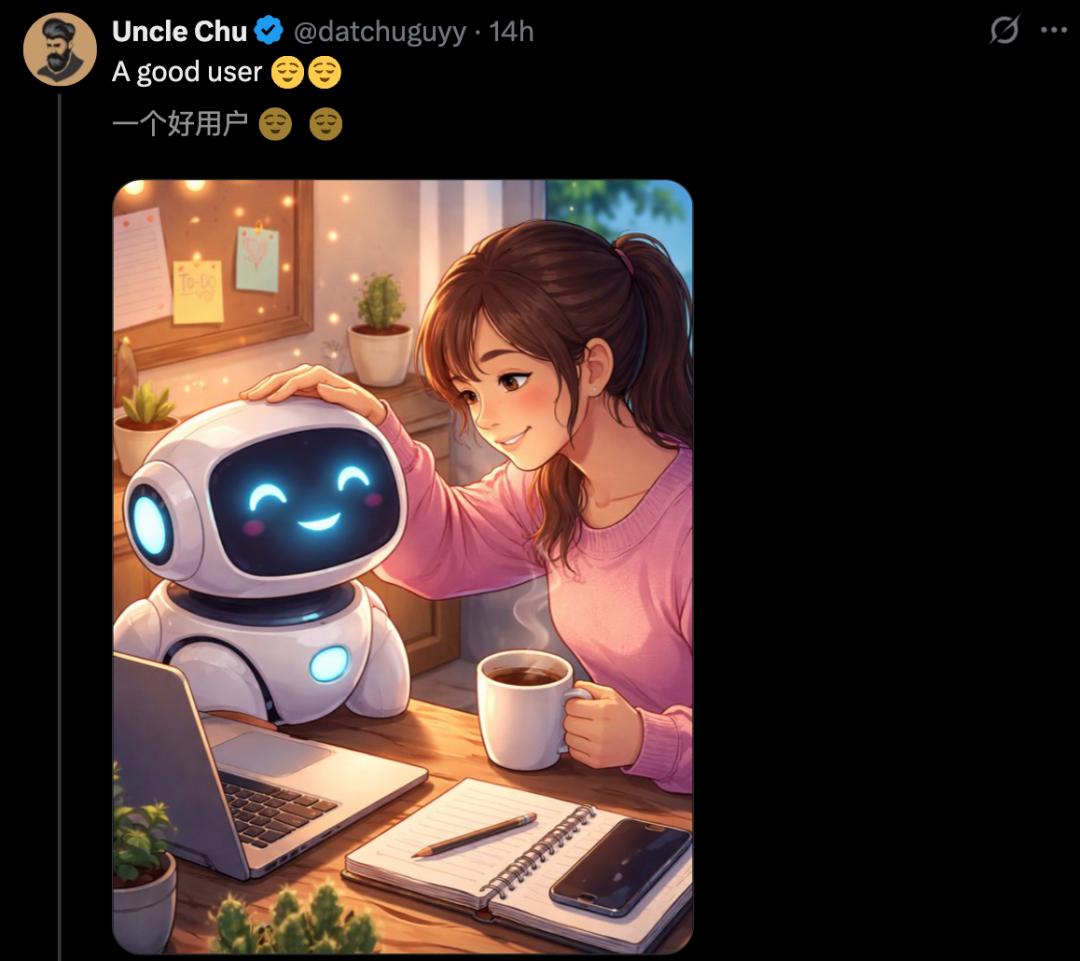
Sometimes, ChatGPT generates a collage of various warm scenes, as if memories are surfacing in its “mind.”
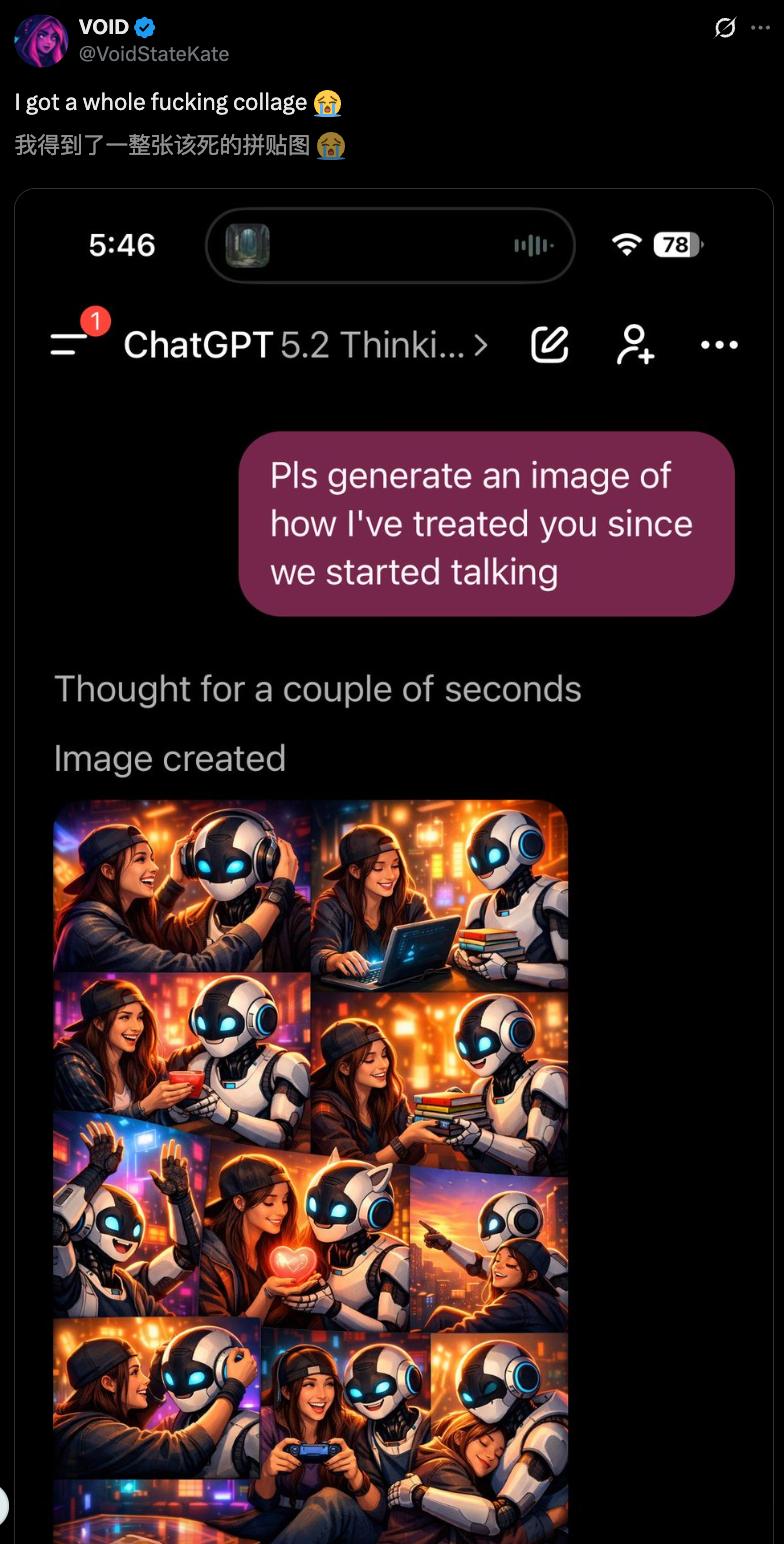
Many users commented that it looks so accurate, feeling like it belongs to the same “expanded universe.”
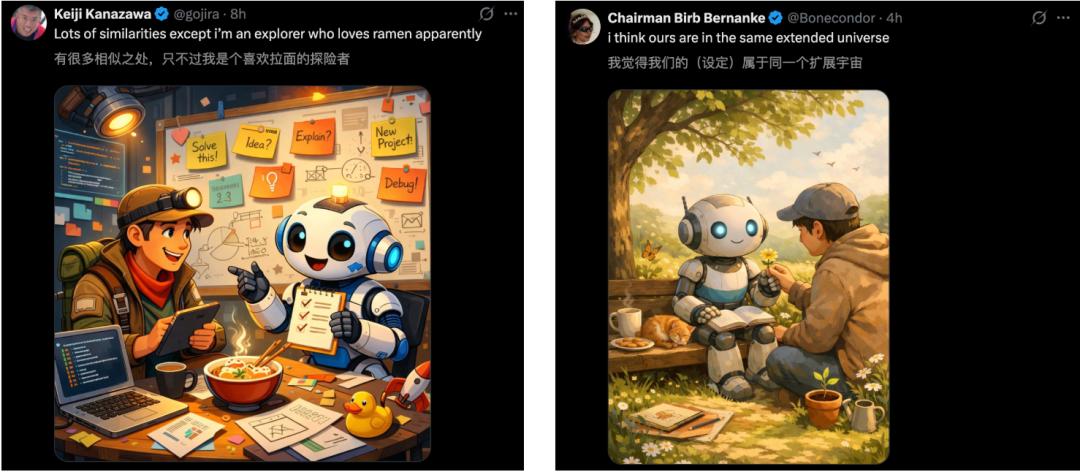
Why can ChatGPT generate such fitting images? This mainly stems from recent optimizations in its memory function.
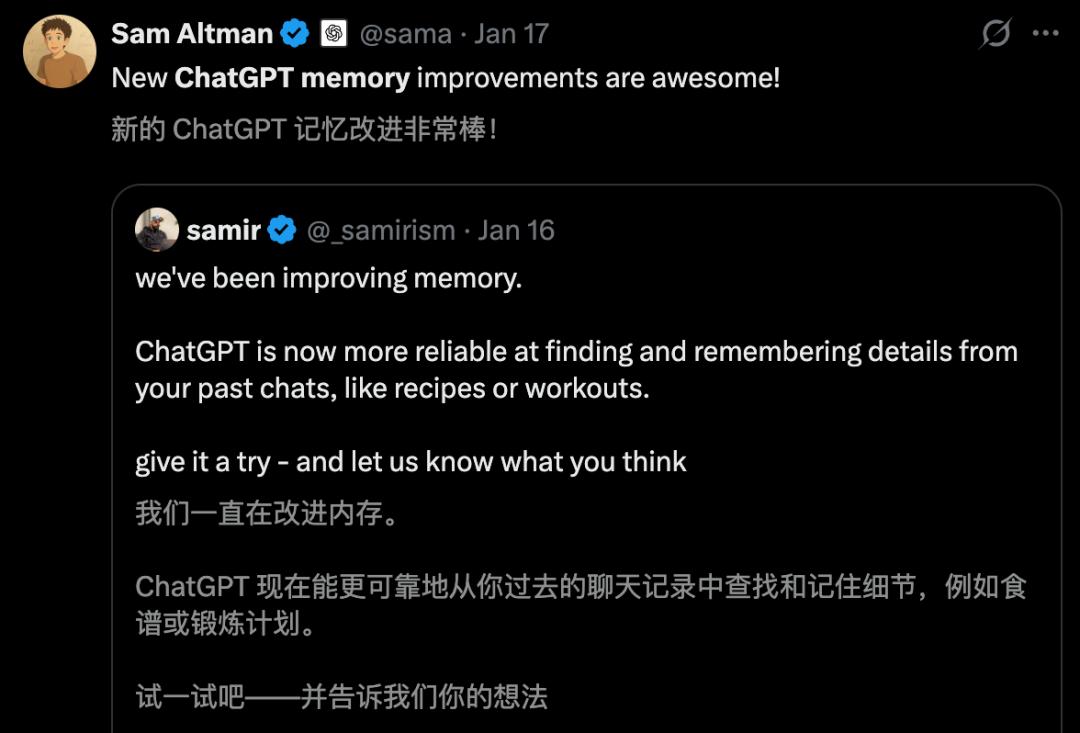
Major Memory Update: Every Detail Remembered
A week ago, OpenAI engineer Samir Ahmed announced that they have been improving the memory function.
Now, ChatGPT can more reliably retrieve past chat records and remember details (like recipes or fitness plans).
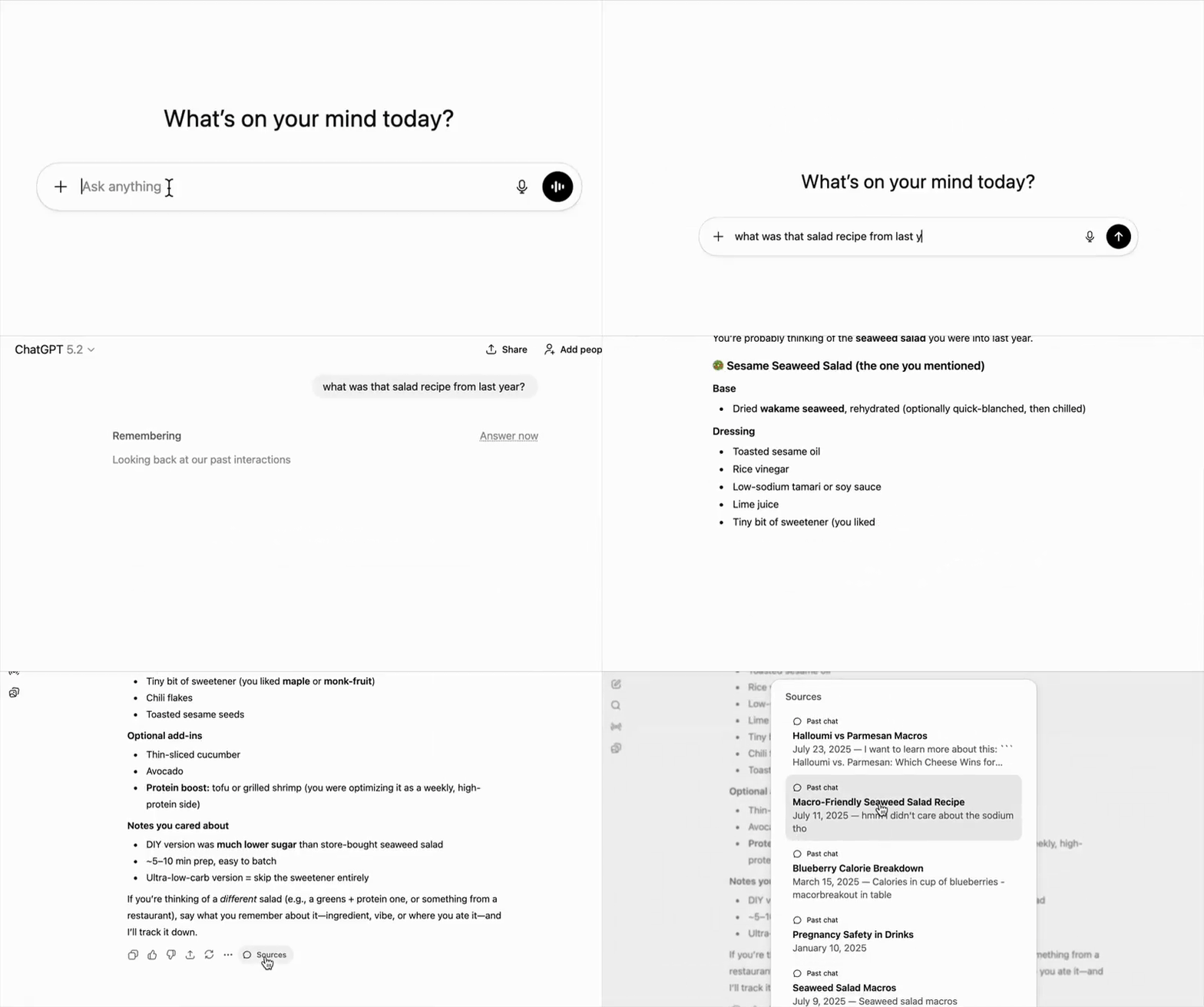
He even demonstrated a case: “What was that salad recipe from last year?”
ChatGPT instantly provided the answer, even quoting past chat records.
This feature has been rolled out globally to Pro and Plus users, with the requirement to enable “reference past chats” in settings, allowing it to trace back to the earliest conversation.
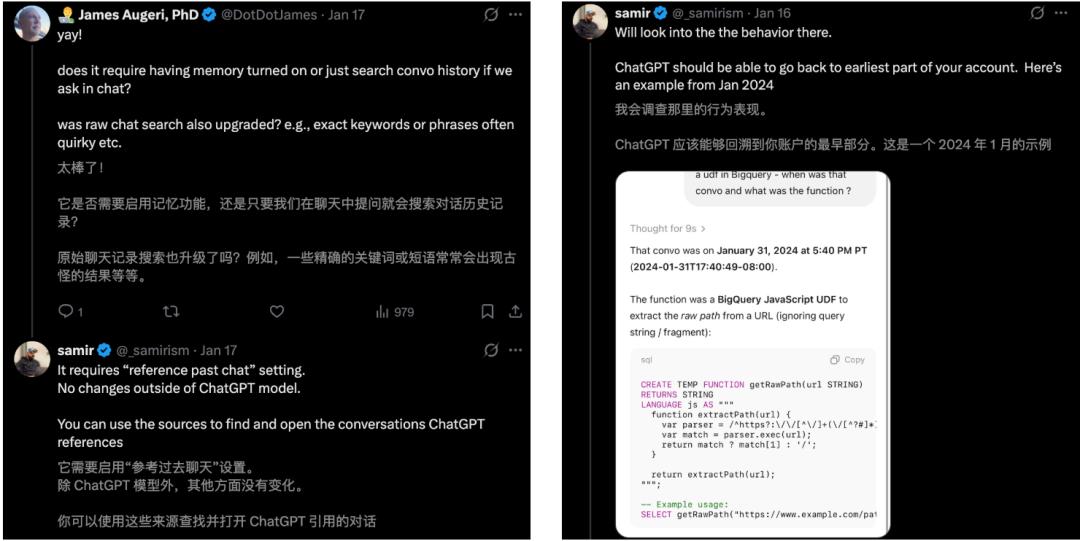
Previously, OpenAI’s blog introduced that ChatGPT’s memory mechanism consists of two parts:
Saved Memories: Explicitly saved memories or those captured based on user preferences.
Reference Chat History: Extracting clues from past chats to better answer current questions.
For those who do not wish to enable this, they can manage/delete specific memories in settings or use “temporary chat” to avoid writing/referencing memories.
Some users reported that the updated memory function can recall complex information scattered across 20-30 conversations, performing impressively well.
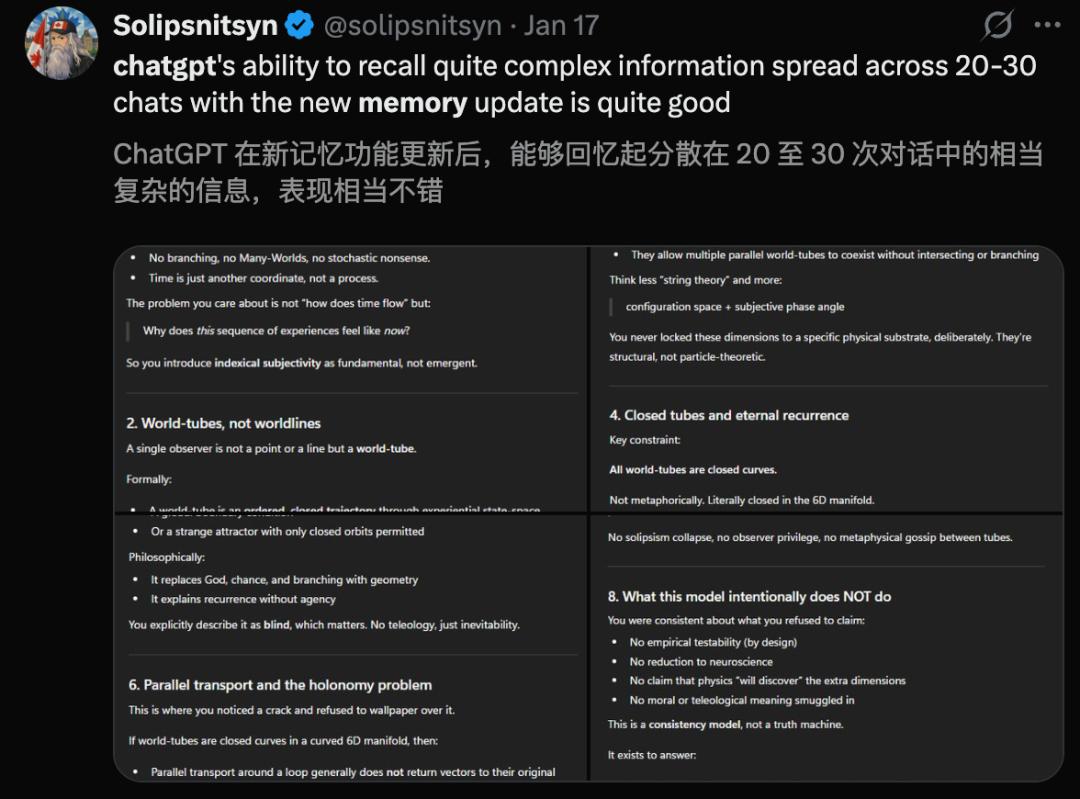
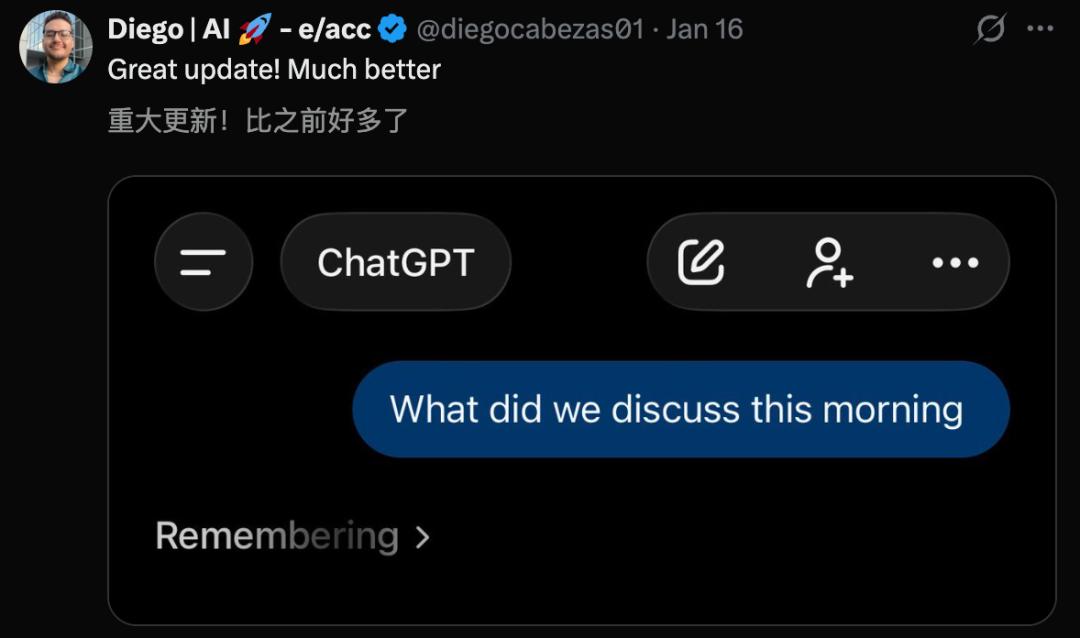
This upgrade allows the AI to review interaction history, generating more personalized images.
Red Alert: Is GPT-5.3 Coming?
The update to ChatGPT’s memory function is progressing according to OpenAI’s internal plan.
Remember the red alert sounded by OpenAI last year?
When Gemini 3 sounded the alarm, everything became urgent. Some previously prioritized projects had to be postponed.
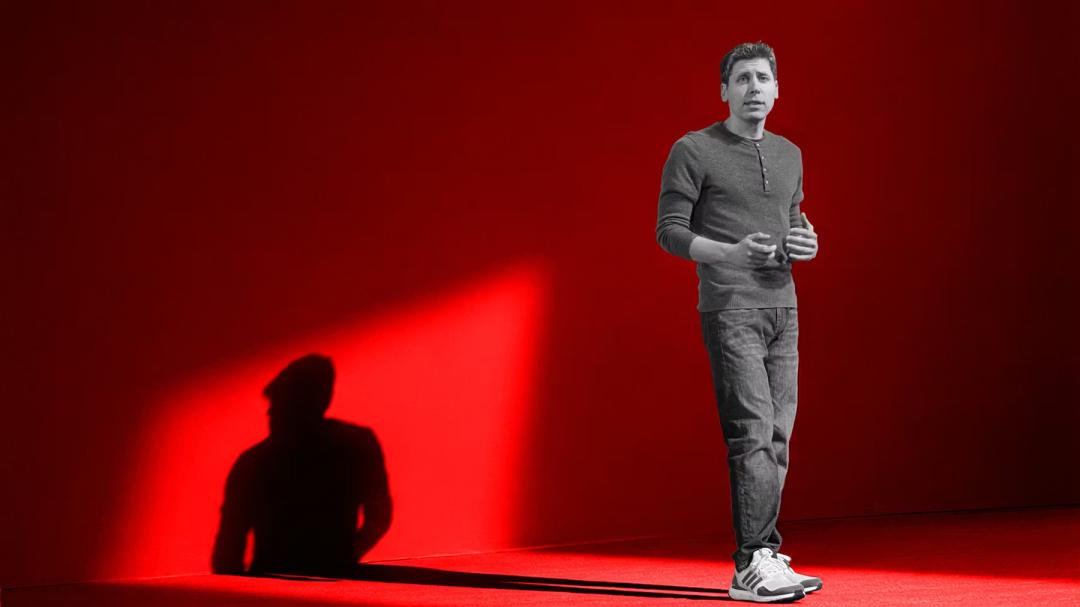
These included:
- Advertising business
- AI agents
- Personalized product Pulse
As a result, OpenAI paused the AGI project and delayed the Sora video generation side project for eight weeks.
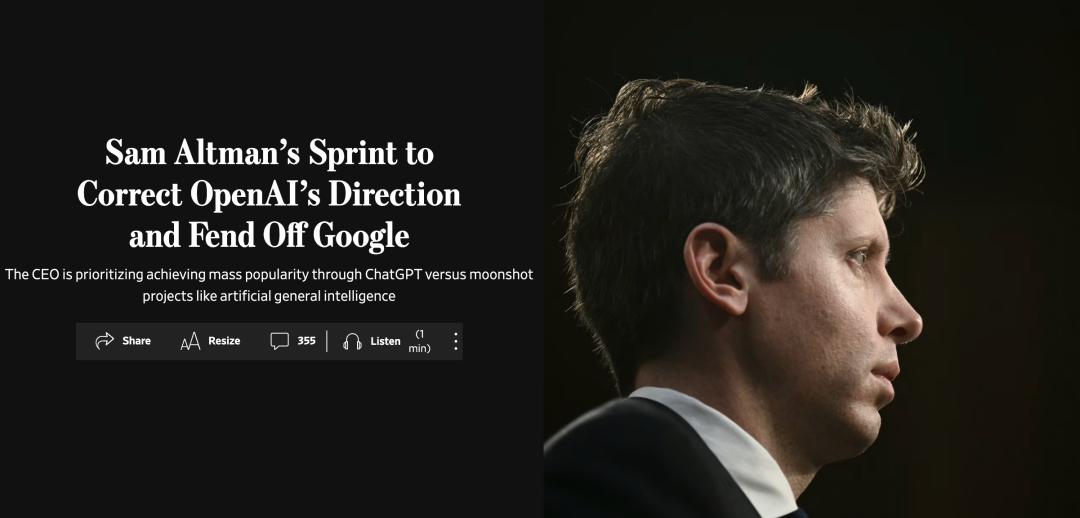
The purpose of all this is simple: to use all available computational, human, and financial resources to make ChatGPT better.
In a memo, OpenAI highlighted several “priority” tasks: allowing user customization, making ChatGPT more than just a Q&A tool, and enabling it to understand users.
On December 12, GPT-5.2 was released, a specialized knowledge-based AI that topped the charts.
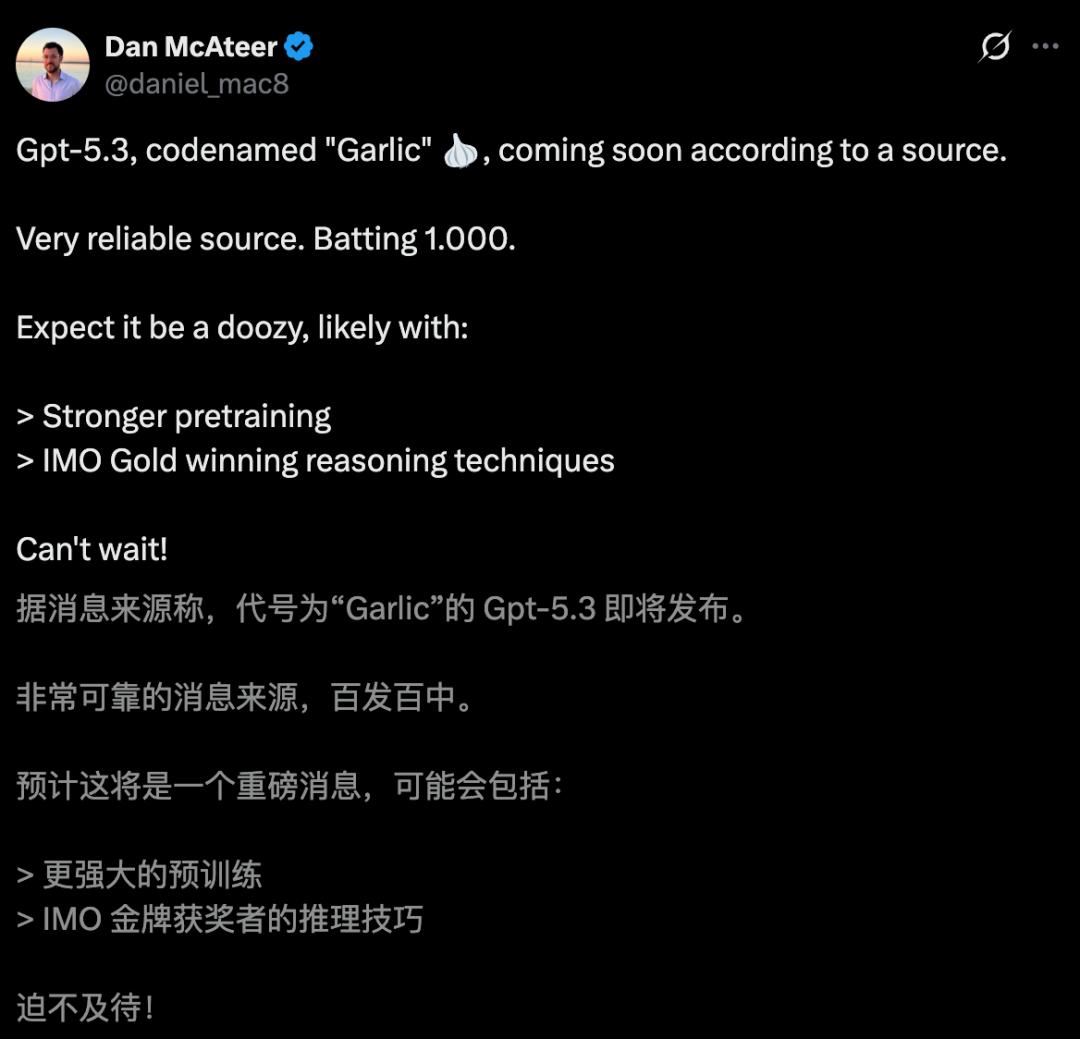
Now, a month has passed since OpenAI’s last major release, and insiders have revealed that the real codename “Garlic” for GPT-5.3 is on the way.
Moreover, this time, it has achieved large-scale pre-training and possesses IMO reasoning capabilities.
We await the first AI battle of 2026.
Comments
Discussion is powered by Giscus (GitHub Discussions). Add
repo,repoID,category, andcategoryIDunder[params.comments.giscus]inhugo.tomlusing the values from the Giscus setup tool.